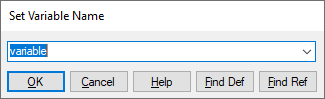
The variable block is located under the Blocks menu in the Annotation category.
1. Right-click the variable block, or choose Edit > Block Properties and click the block.
2. Do one of the following:
|
To |
Do this |
|
Create a new variable |
Enter a new name. |
|
Reference an existing variable |
Click the DOWN ARROW and choose a name from the list. |
3. Click OK, or press ENTER.