Deleting Data Templates
Steps:
1. On the List or Grid view,
select one or several data templates then:
· right-click and select Remove
on the context menu, or
· click on the Copy  icon on the toolbar.
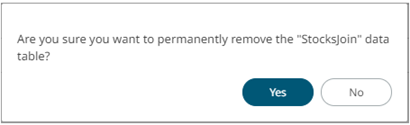
A confirmation
message displays.
2. Click  .
.
The
data table template is removed.


