


|
View Logs
View the latest 300 rows of a Logging Level in the Logs tab:
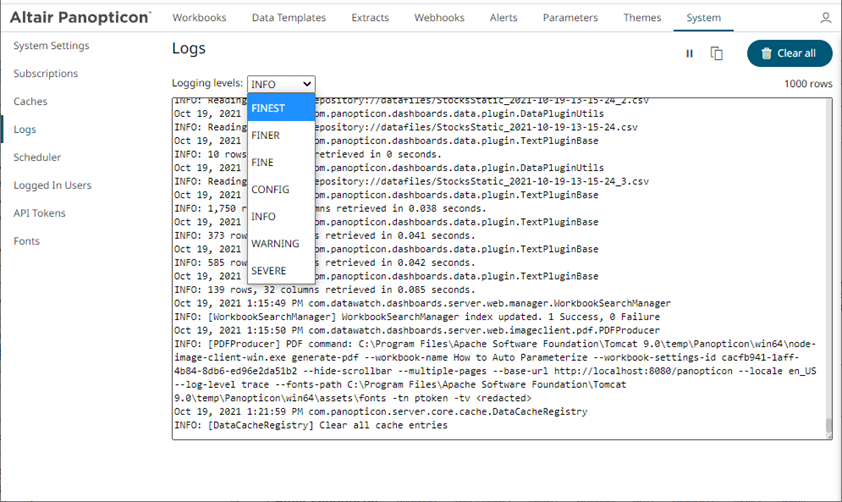
q FINEST (lowest level)
q FINER
q FINE
q CONFIG
q INFO (default level)
q WARNING
q SEVERE (highest level)
Steps:
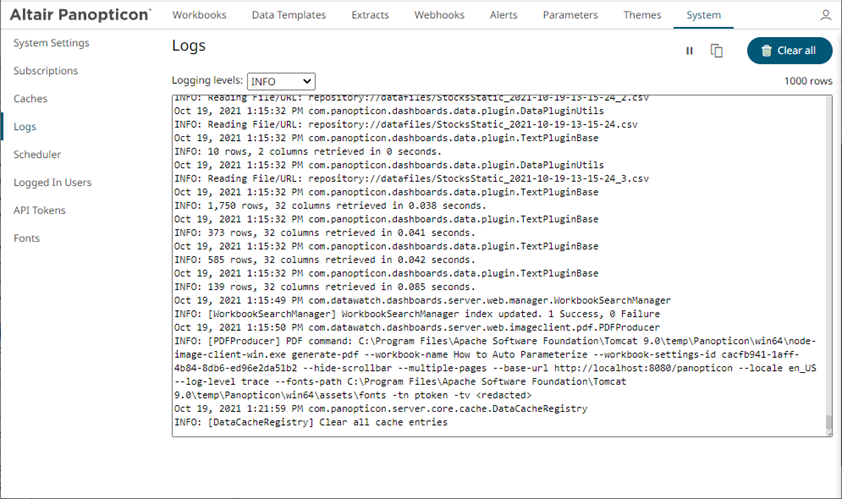
1. On the System page, click the Logs tab. Initially, the default level (INFO) logs are displayed.
2. Select another Logging Level in the drop-down.
For example: FINEST
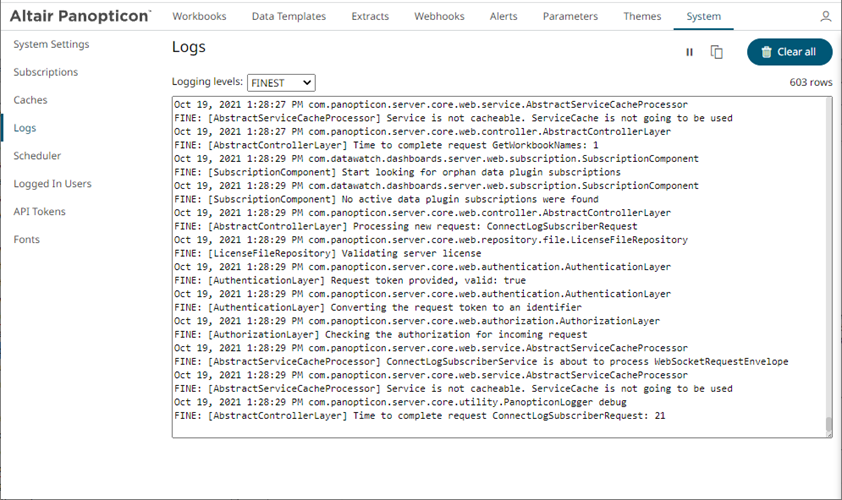
The latest 1000 rows of the selected log level or higher are fetched.
3. You can also click any of the following buttons:
·  to pause the logging, it changes
to
to pause the logging, it changes
to 
·  to resume the logging
·  to copy log to clipboard
·  to clear the logs