|
[8] VIEWING AND MANAGING WORKBOOKS
Accessing Workbooks
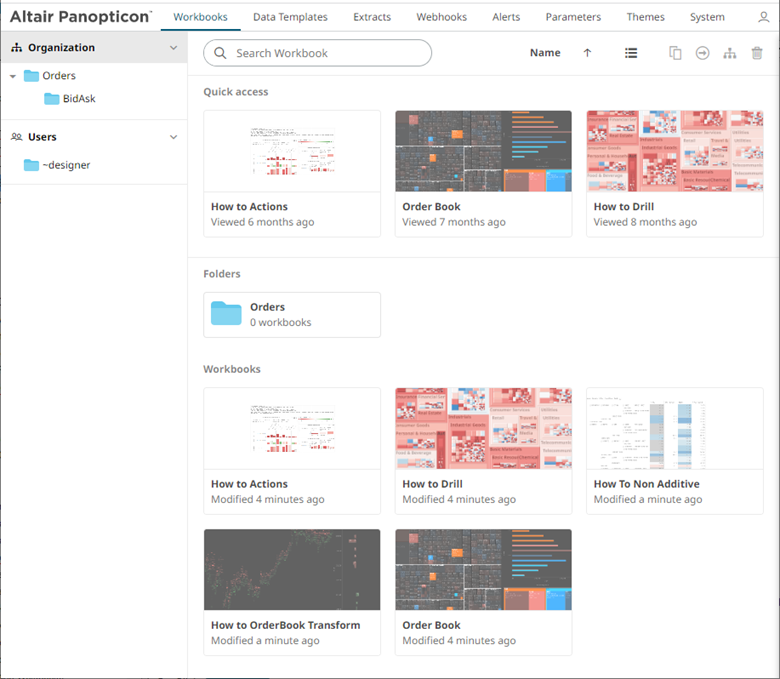
The Workbooks tab lists available folders and uploaded or published workbooks in Grid View.
q The Folders include their names and the number of available workbooks.
q The Workbooks include their titles, thumbnail images, and when they were last modified.
Recently opened workbooks are also displayed under the Quick Access pane.
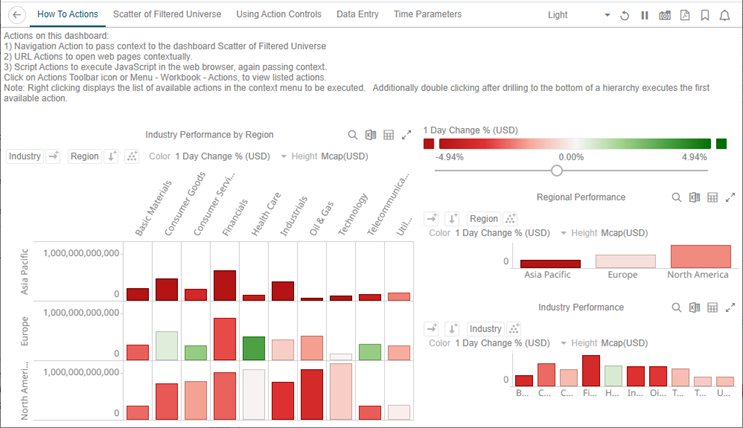
Clicking on the workbook thumbnail opens it on the web browser.
|
NOTE |
The
|
 signifies
there are more dashboards in a workbook that can be opened.
Click this icon to expand the drop-down list and display all
of the available dashboards and select one to display.
signifies
there are more dashboards in a workbook that can be opened.
Click this icon to expand the drop-down list and display all
of the available dashboards and select one to display.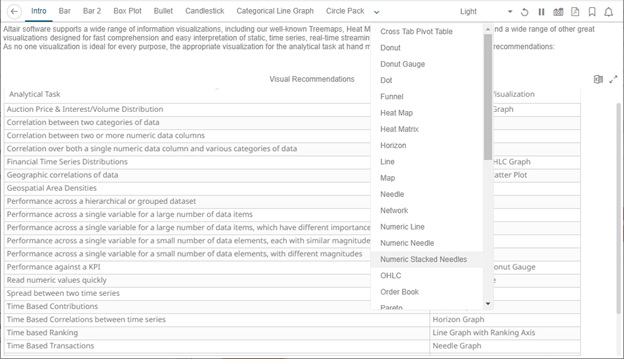
|
NOTE |
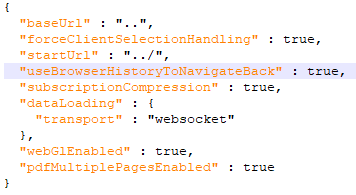
The Back
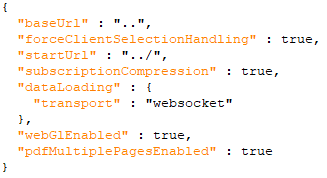
However, for the Back button to use the browser history to navigate back despite startUrl being set in the file, add useBrowserHistoryToNavigateBack and set to true.
After updating the workbook.json file, restart the Panopticon application.
|
 button
allows going back to the root folder. It is only available
on the toolbar section of
button
allows going back to the root folder. It is only available
on the toolbar section of