


|
Creating Data Extract from Shakti (Beta)
The Shakti connector allows connecting to Shakti databases on a polled basis.
Steps:
1. On the New Data Extract page, select Shakti Beta in the Connector drop-down list.
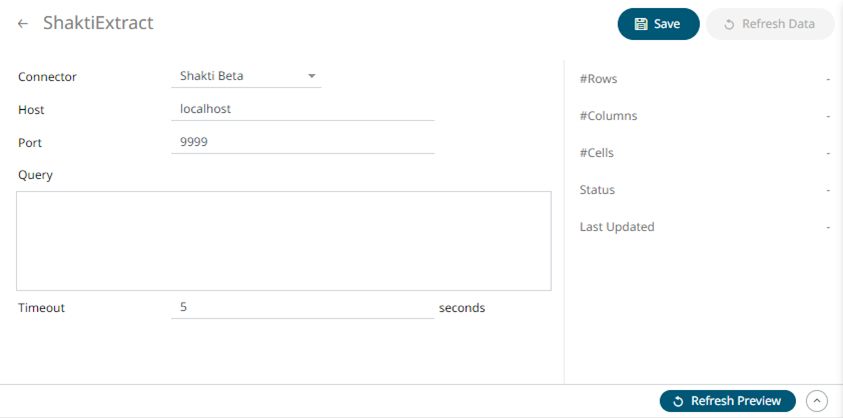
2. Enter the following properties:
|
Property |
Description |
|
Host |
Shatki host address. |
|
Port |
Shakti host port. Default is 9999. |
3. Enter a free text Query.
4. Enter the Timeout. Default is 10 (in seconds)..
5. Click  to save and display the details of the data extract.
6. Click
 then
then  to display the data
preview.
to display the data
preview.