Defining the Domain and Geometry
It is defined in the Environment section of the Creator tree and indicated by the red box in the Viewer.
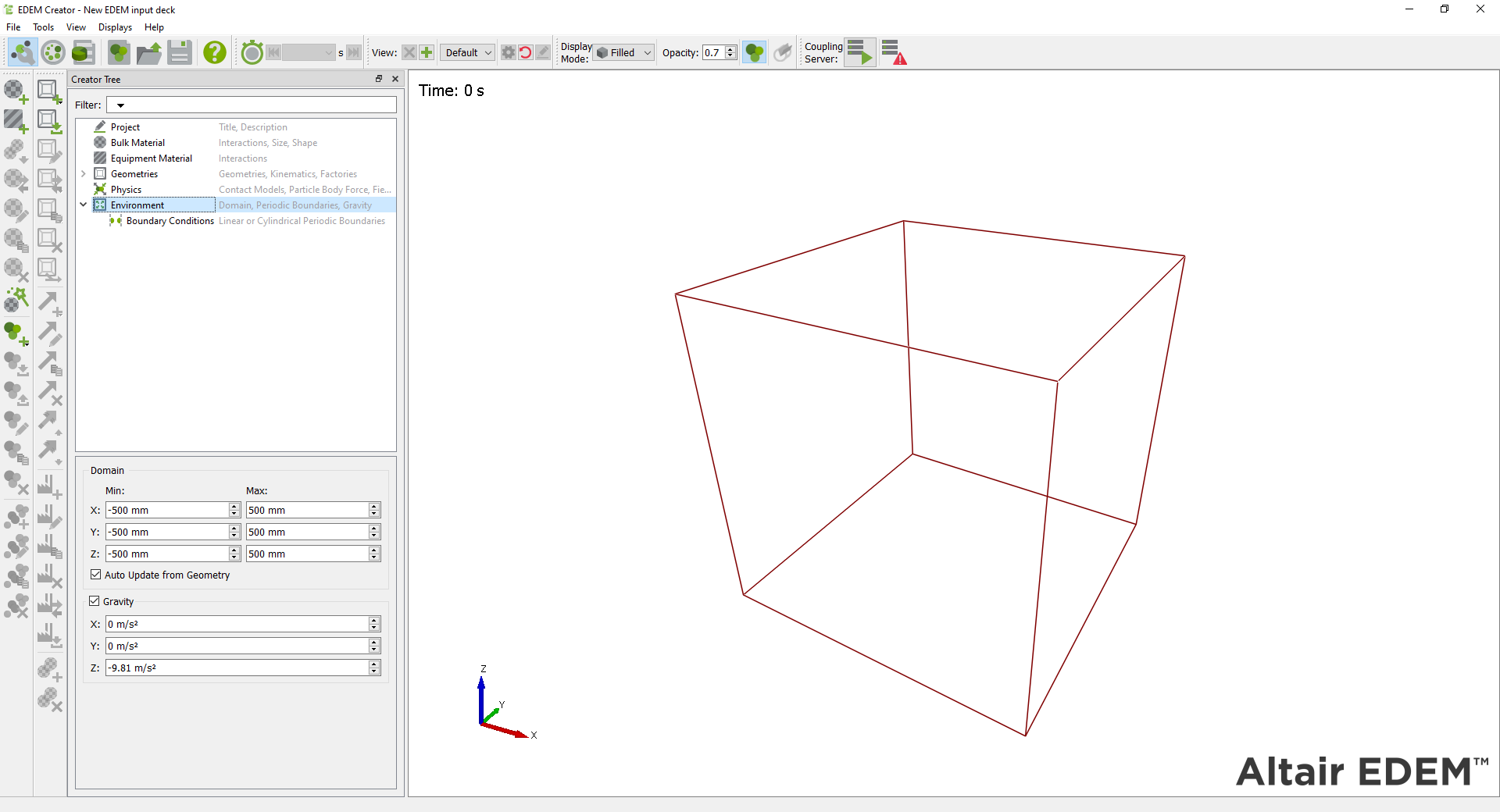
Particles that move out of the domain during the course of the simulation are permanently removed from the simulation (unless a periodic boundary condition has been selected). Geometry can move in and out of the domain during a simulation.
Defining the Model Domain
Domain size has an effect on simulation time - the larger the domain, the longer the simulation will take to run. Use the auto-update option to automatically fit the domain around any sections of geometry defined, thus creating the smallest domain possible.
Enabling Gravity
Enable the Gravity checkbox to set gravity in a given direction (X, Y, Z). The default settings are X: 0, Y: 0 and Z: -9.81 m/s2.
(c) 2023 Altair Engineering Inc. All Rights Reserved.