Adding a Polyhedral Particle Shape
A Polyhedral particle is defined either by using one of the default polyhedral particle shapes or by an imported CAD geometry. Selecting Add Polyhedral creates a new Polyhedral particle in the Creator window. The Polyhedral solver supports convex polygons either defined using the EDEM polyhedral shape library or an imported CAD geometry. Switching from Multi-Sphere to polyhedral particles is only supported at Time Step 0s.
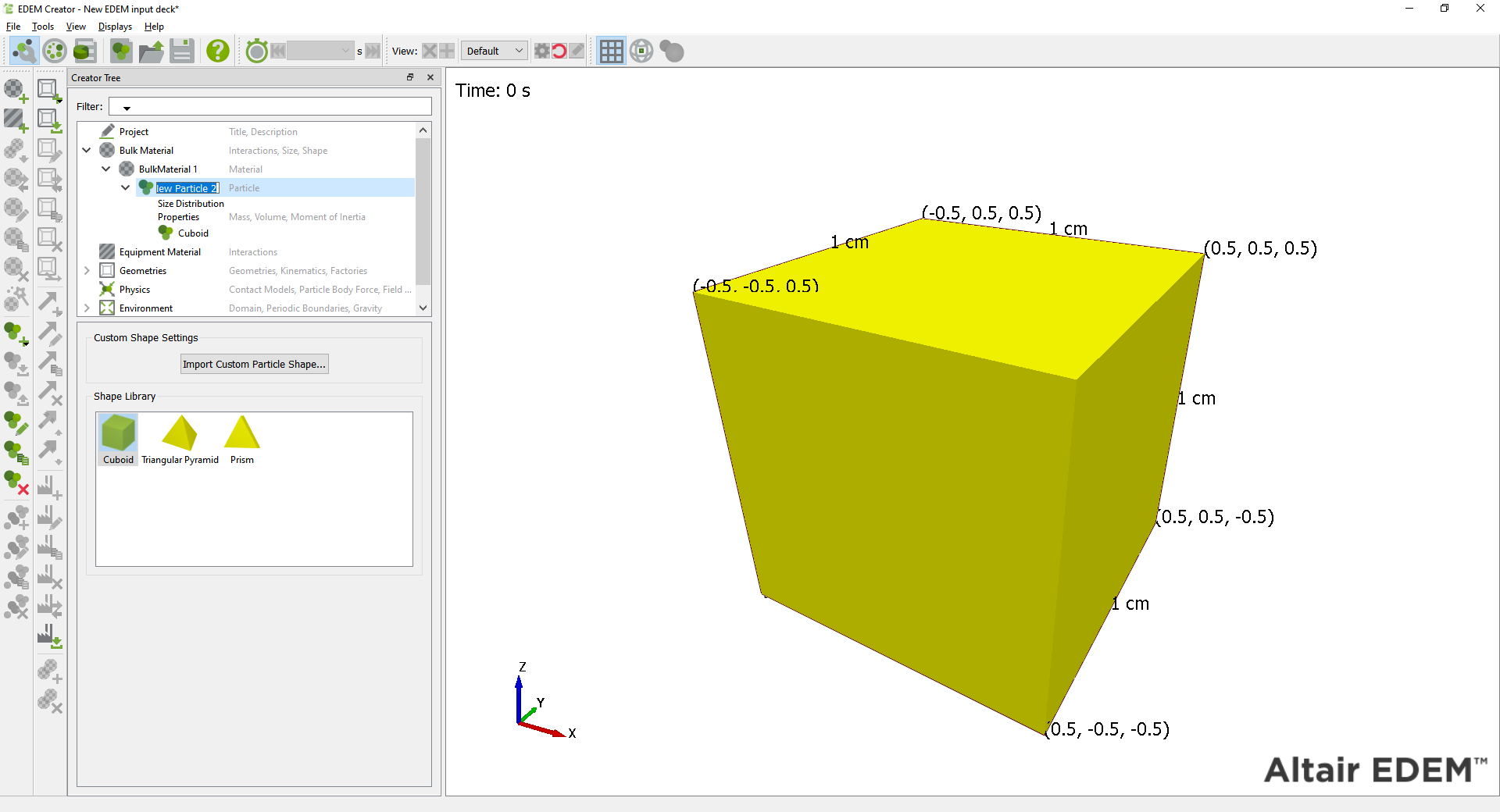
Adding Default Polyhedral Particle Shapes
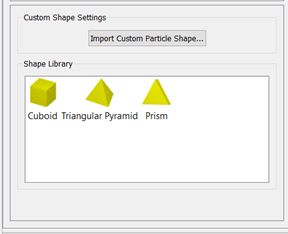
In the Particle menu, you can define the shape of the particle called Cuboid, Triangular Pyramid, Prism or CAD Geometry.
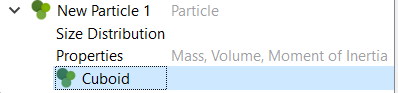
To change a particle shape once a particle has been defined, select the particle name and in the shape (greay box), select Modify Shape.
The three default particle shapes are now available to select.
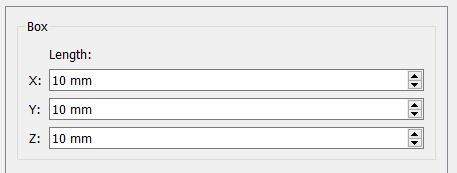
Box
The Cuboid's length - X,Y, and Z components can be defined.
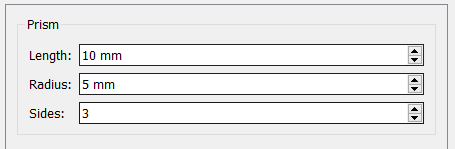
Prism
The Prism's Length, Radius, and number of Sides can be defined.
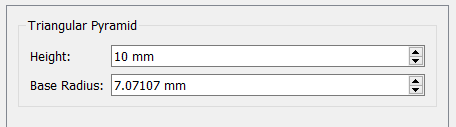
Triangular Pyramid
The Height and Base radius of the Triangular Pyramid can be defined
Importing Custom Particle Shapes
Select Import Custom Particle Shape to select a CAD geometry to import as a particle shape.
The geometries can only be convex and will be centered based on their center of mass when Calculate Properties is selected.
You can modify the particle size by changing the size distribution under Size Distribution.
Calculating Particle Properties
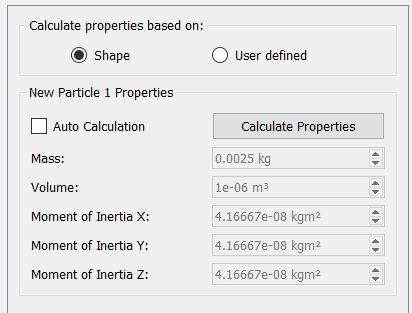
The mass of the particle will be calculated using the volume of the particle geometry if the shape has been selected in particle properties.
The Mass, Volume, and Moments of Inertia can also be defined manually using the User defined option.