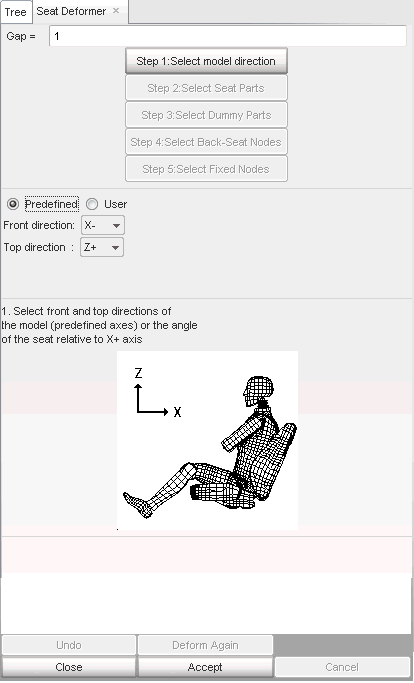
| 1. | From the Menu Bar, select Safety > Seat Deformer. |
| 2. | Enter the distance value (gap) between the dummy and the seat cushion in the Gap = window. |
| 3. | Select Predefined radio button and define the Front and Top directions. |

or
Select User and click
and pick nodes to define the local frame.
| 4. | Click Accept to validate the selection. |
| Note: | The front direction must define the direction from the seatback cushion to the dummy. The top direction must define the seat cushion to the dummy |