|
»Click here to display Table of Contents«
|

Define Transformation |

|

|

|

|
|
Define Transformation |
|
|
|

|
|
»Click here to display Table of Contents«
|
Define Transformation |
|
|
|
|
|
Define Transformation |
|
|
|
|
| 1. | From the main menu, select LS-DYNA Tools menu. |
| 2. | Select Define Transformation. |
| 3. | Right-click and select Create New. |
| 4. | Under DEFINE_TRANSFORMATION, enter the number of transformations. |
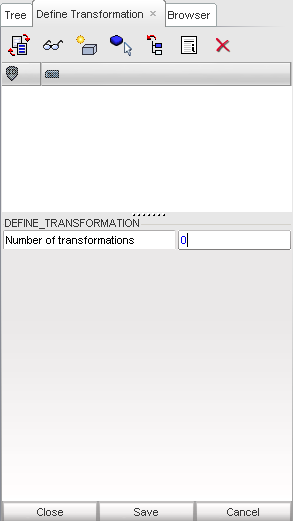
| 5. | Click Save. |
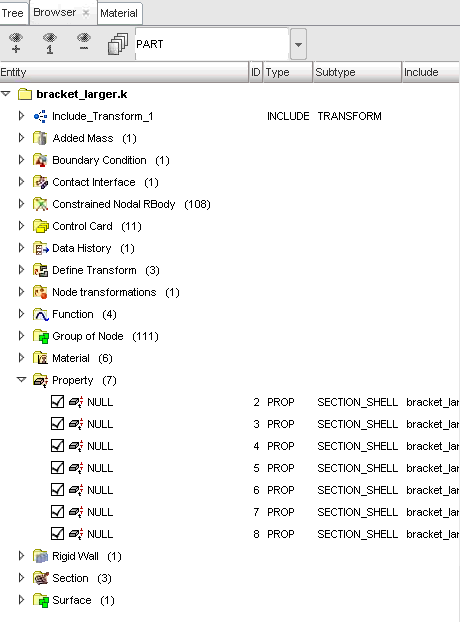
| 1. | Click on the Browser tab. |
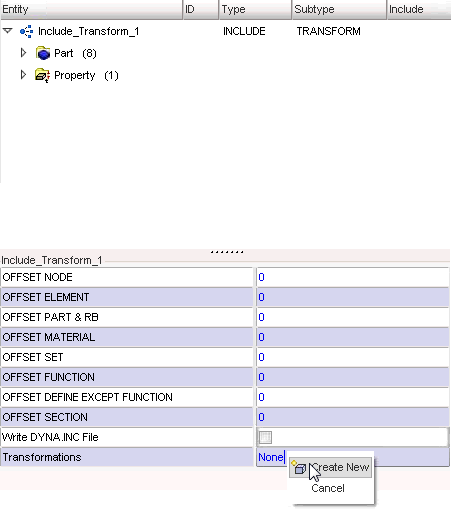
| 2. | Right-click on Include_Transform_1. |
| 3. | Select Edit. |
| 4. | Edit the Transformations entity, as shown below. |