


|
Sorting Data Extracts
Sorting data extracts can be done by Name, Last Modified, or Connector.
Steps:
On the Data Extracts page, either:
q click the Sort By option on the Toolbar of the Grid View.
By default, the sorting is by Name.
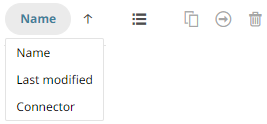
· Name
· Last Modified
· Connector
Then click the Sort Order:
·  Ascending
·  Descending
q click on the Name, Connector, #Rows, #Columns, #Cells, Status, Last Modified, or Last Refreshed column header of the List View
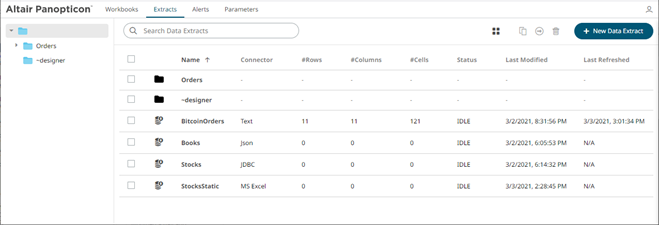
Then click the Sort Order:
·  Ascending
·  Descending