The Transformation option on the RADIOSS Tools menu lets you create, delete, edit, or cross reference a Transformation card (/TRANSFORM).
In the Transformation panel, right-click to open the context menu, and then select an option.
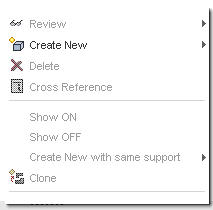
Create a New Transformation
| 1. | Select Create New from the context menu, then select from the following list: |
| • | User Defined - the USER card panel appears |
| • | Translation - the TRA card panel appears |
| • | Rotation - the ROT card panel appears |
| • | Symmetry - the SYM card panel appears |
| • | Scaling - the SCA card panel appears |
| 2. | Click to edit fields and right-click in applicable fields for more options. |
| 3. | Click to expand the sub-menus and make selections from these menus as applicable. |
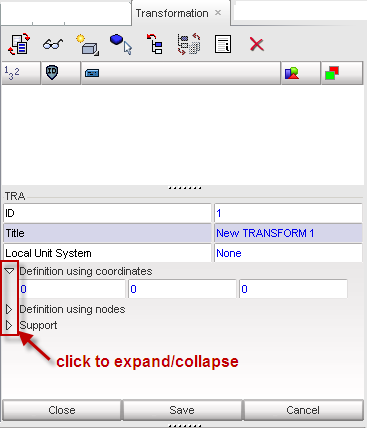
| 4. | Click Save or Cancel when you are finished creating the card. |


