Remove a Bookmark
Remove old or unwanted bookmarks.
-
Click
 .
.
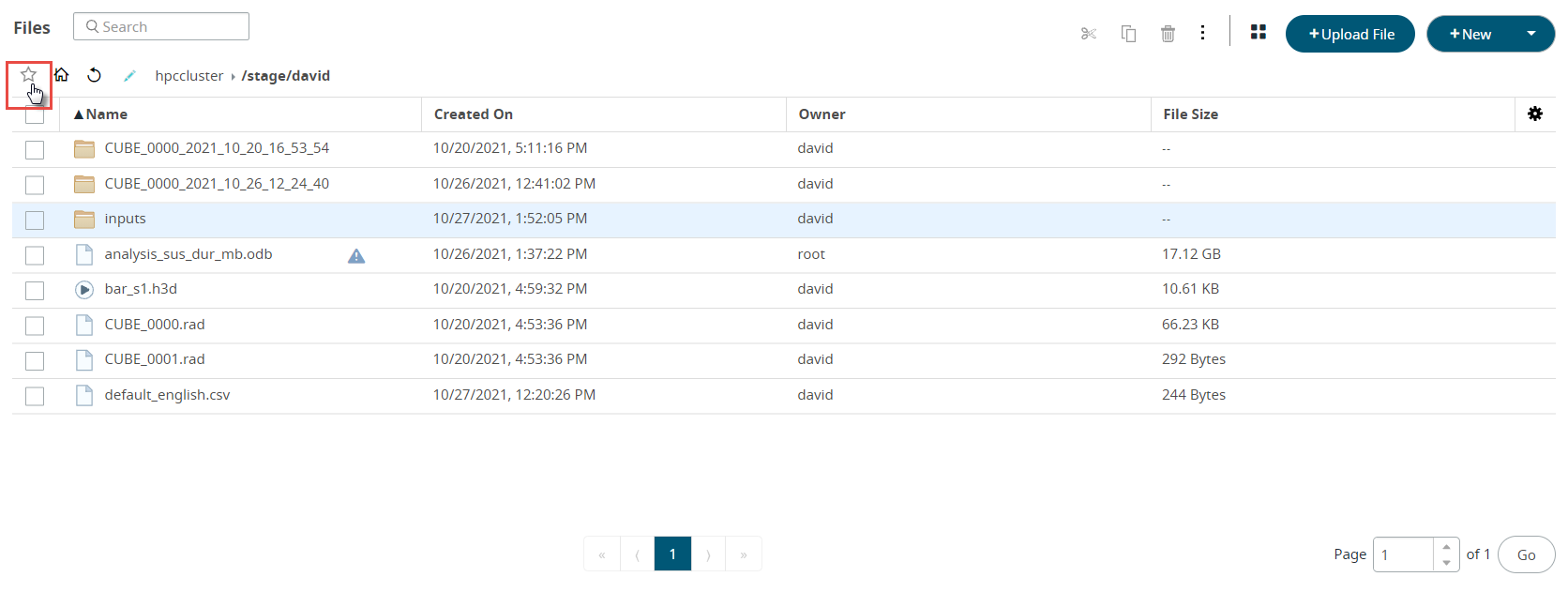
The bookmark menu is displayed.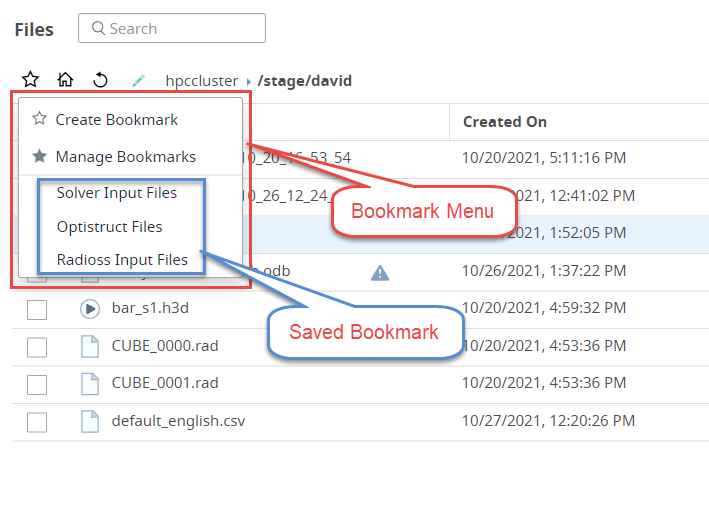
Figure: Bookmark Menu
-
Select Manage Bookmark from the menu.
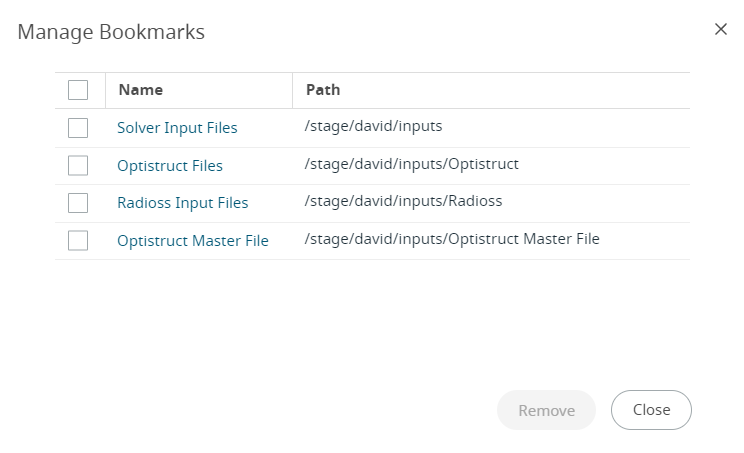
A Manage Bookmark dialog box is displayed with the list of bookmarks.
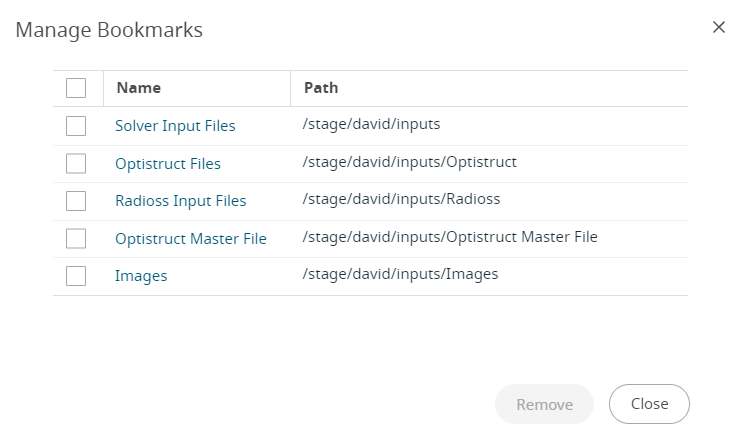
Figure: Manage Bookmark
-
Select the bookmark that you want to remove.
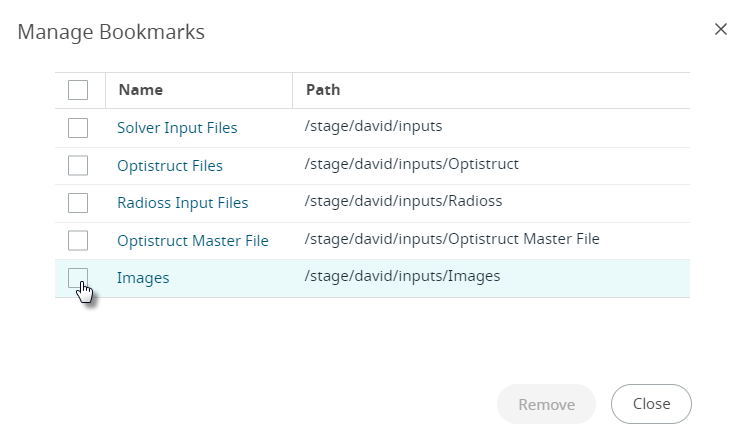
-
Click Remove.
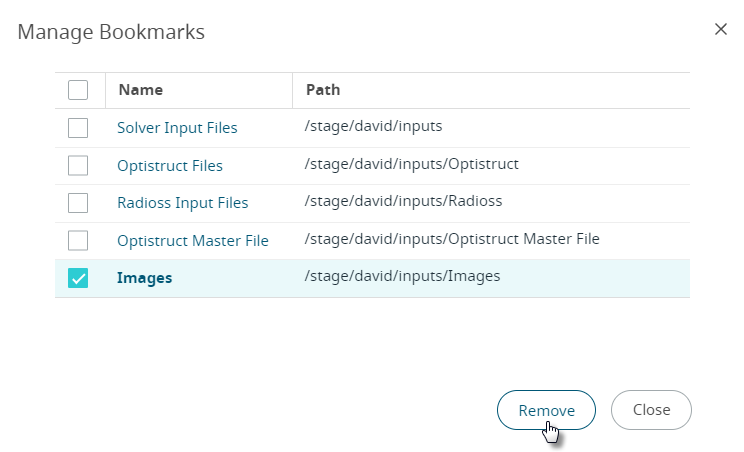
The selected bookmark will be removed.